CS2 Crosshair Generator
Adjust every crosshair setting Counter-Strike 2 allows. Preview updates live as you change settings — then copy your share code into the game.
Live preview

Pro crosshairs
Scroll for more
Showing 40 of 546 · search to filter
Customize
Preview updates live on the left.
How to use the CS2 crosshair generator
Build, preview, and import a custom Counter-Strike 2 crosshair
Use this free CS2 crosshair generator to create a custom crosshair with the same live map preview as our pro player pages. Adjust style, size, gap, color, outline, and alpha, then copy a CSGO share code or share a preview link.
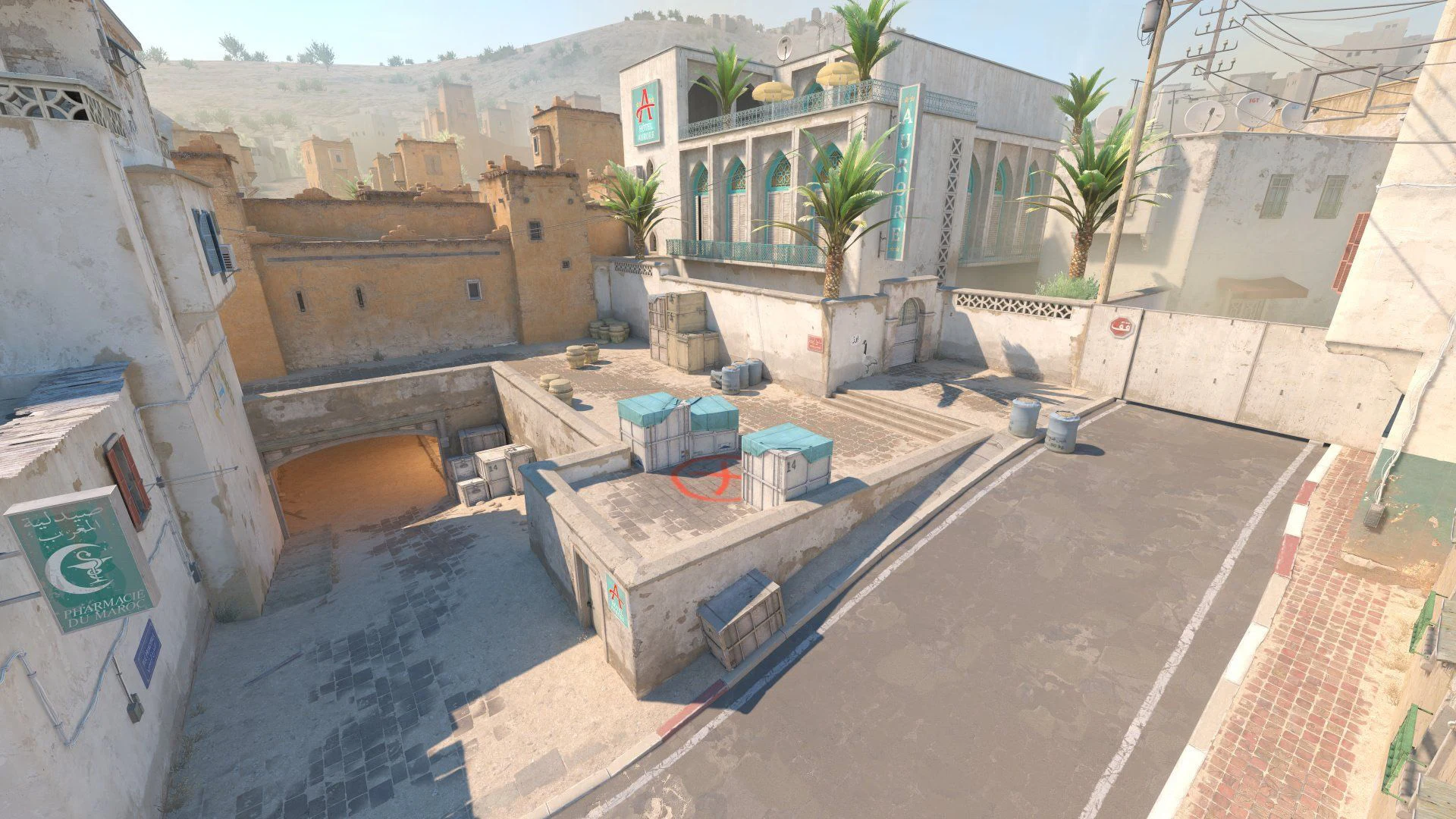
- Tune controls in the Style, Shape, Color, and More tabs until the live preview looks right on Dust II, Mirage, or other maps.
- Optionally load a pro preset from the search box, then tweak gap, length, or color to make it yours.
- Click Copy code and import the CSGO- share code in CS2 under Settings → Game → Crosshair → Share / Import.
- Use Share to send a
?code=link so teammates open the same crosshair in the browser.
Prefer a match-verified pro code instead? Browse CS2 pro crosshairs on the homepage, or open any player profile to copy their current share code.
Frequently Asked Questions
CS2 Crosshair Generator — build, preview on maps, copy share codes, and load pro presets