Starter pro crosshairs for CS2
Last updated: August 8, 2026
A good starter crosshair is small enough to see heads, high contrast on most maps, and boring enough that you stop thinking about it. The picks below are match-verified codes from players people already copy. Use them as a first import, not as a ranked best list.
Starter picks
Live share codes from the catalog. If a pro changes setup, this list updates with their profile.
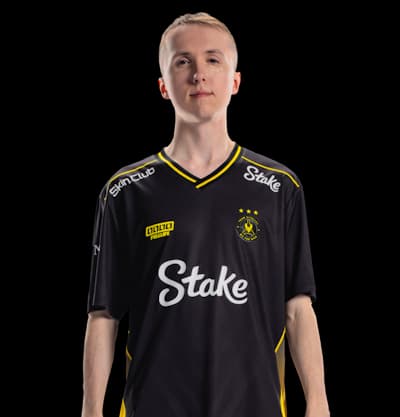 ropzEveryday rifler
Vitality
Low distraction default. If you want one code for DM and matches without chasing the flashiest pro look, start here.
CSGO-5UHEt-3RFCY-4Nu8t-4UYGQ-vJN2GObserved on Dust II, Lynn Vision vs Vitality · Full profile · Open in generator
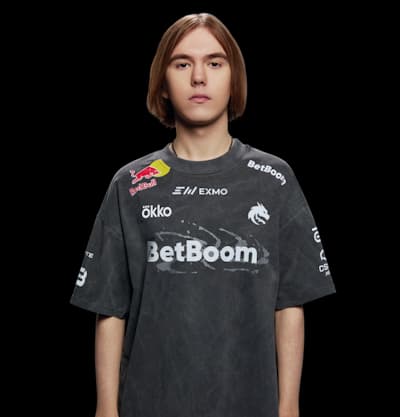 donkAggressive rifler
Spirit
Tight and busy-friendly. A common first copy if you play entry or close peeks and want a smaller center.
CSGO-QywFe-jbLks-tEr2f-tkp9D-4RVaKObserved on Dust II, Spirit vs BIG · Full profile · Open in generator
 NiKoAim-heavy rifler
Falcons
Familiar tier-one rifler shape. Useful when you want a pro baseline that still feels readable in sprays.
CSGO-Oobkm-zhYcS-i59PG-9iAMc-H7xDKObserved on Ancient, Falcons vs Astralis · Full profile · Open in generator
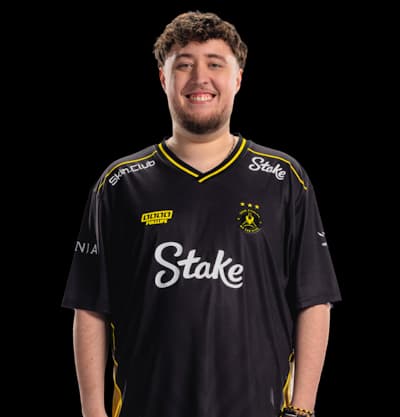 ZywOoAWPer
Vitality
Clean long-range reference. Start here if you hold angles more than you run entries.
CSGO-GHwjL-6jGne-E3f44-BiYVC-DmrqKObserved on Dust II, Lynn Vision vs Vitality · Full profile · Open in generator
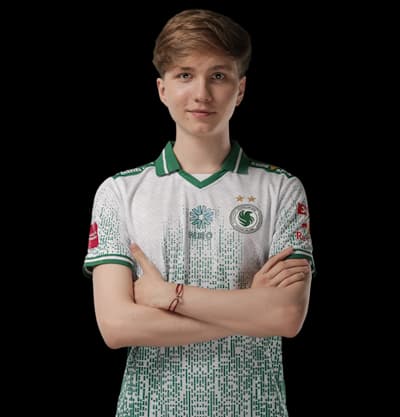 m0NESYAWPer (compact)
Falcons
Another compact AWPer baseline if ZywOo feels wrong on your res and you want a second option fast.
CSGO-wAD3c-ykt5L-zvZ98-vBisR-6sWPAObserved on Ancient, Falcons vs Astralis · Full profile · Open in generator




How to choose
Match the pick to how you actually play for a week, not to whoever won the last major highlight. Riflers usually want a static crosshair that stays put while spraying. AWPers can go a little cleaner and still keep the same import habit.
After you copy a code, only change color or gap at first. If you rewrite length, style, and outline on day one, you never learn whether the pro baseline was fine.
What to do after you import
Play deathmatch until the crosshair stops feeling new. If targets disappear inside the gap, tighten it. If the color dies on Dust II or Mirage, switch color before you abandon the whole code.
Want to tweak visually first? Load the same code in the generator, adjust, then copy your own string back into CS2. When a pro changes setup after an event, their profile history shows what moved.
- 1Copy one code from the picks above.
- 2Import it in CS2 under Settings, Game, Crosshair, Share or Import.
- 3Play a real session before major edits.
- 4Nudge color or gap only if something clearly fails.